
The SEO Migration Nobody Plans For (Until It's Too Late)

Table of Contents+
- Why Does Every E-Commerce Migration Have an SEO Problem?
- What Happens When SEO Migration Goes Wrong?
- What Does a Complete SEO Migration Plan Include?
- How Do You Structure the Migration Timeline?
- Which Pages Should You Protect First?
- What Are the Most Common SEO Migration Mistakes?
- How Does This Connect to Your Replatforming Strategy?
- References
TL;DR
SEO migration is the most underestimated risk in every e-commerce replatforming project. It should be the first workstream that starts and the last one that finishes. Instead, most teams treat it as a checklist item in the final sprint - and lose 20-40% of organic traffic on launch day.
Key Takeaways
- •SEO migration should be finalized before development starts - not treated as a last-week checklist item.
- •A mid-market retailer generating 40% of revenue from organic search can lose EUR 200-400K in the first quarter after a botched migration.
- •The 3 non-negotiables: complete URL mapping, flat redirect rules (no chains), and a performance budget enforced in CI/CD.
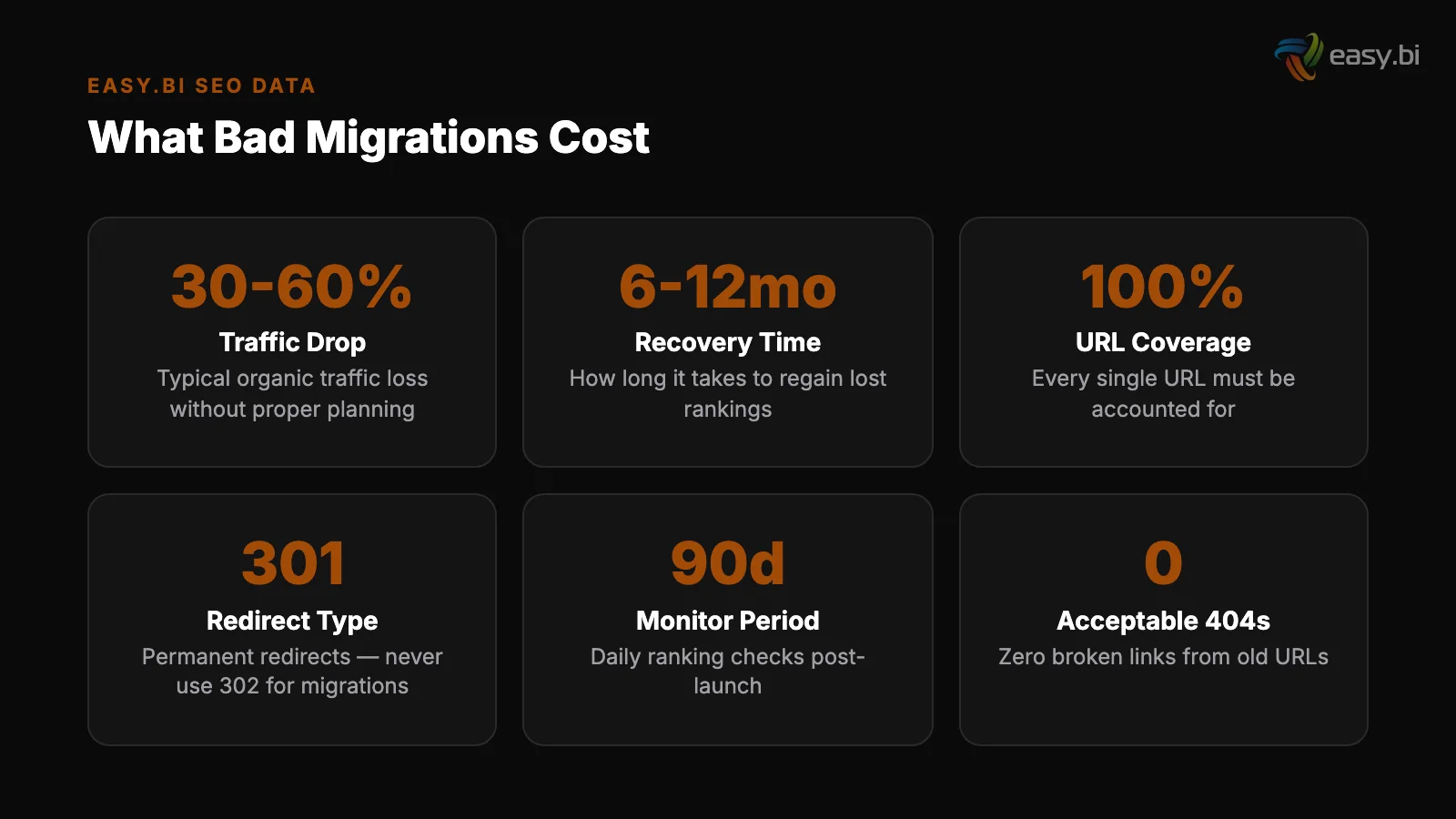
- •Recovering lost rankings after a failed SEO migration takes 6-12 months. Some pages never return to pre-migration positions.
- •60-70% of replatforming projects fail, and SEO migration is the most underestimated contributor to that failure rate.
E-commerce SEO migrations fail because they start too late. Learn the URL mapping, redirect strategy, and performance budget that protect your organic revenue.
SEO migration is the most underestimated risk in every e-commerce replatforming project. It should be the first workstream that starts and the last one that finishes. Instead, most teams treat it as a checklist item in the final sprint - and lose 20-40% of organic traffic on launch day.
We have managed SEO migrations across 100+ e-commerce projects. The pattern is consistent: teams that plan SEO migration before writing a single line of code recover traffic within 4-6 weeks. Teams that plan it in the last 2 weeks lose organic revenue for 6-12 months. Some never fully recover.
Why Does Every E-Commerce Migration Have an SEO Problem?
E-commerce replatforming projects have a 60-70% failure rate. SEO migration is a leading contributor that rarely appears in post-mortems because the damage is slow and invisible at first.[1]
The root cause is structural. E-commerce platforms generate thousands of URLs: product pages, category pages, filtered views, CMS pages, blog posts. A mid-market retailer with 10,000 products and 200 categories easily has 50,000+ indexed URLs. When you change the platform, every one of those URLs is at risk.
New platforms use different URL patterns. Shopware 6 generates different URL structures than Magento. commercetools does not generate URLs at all - your frontend defines them. Adobe Commerce uses a different pattern than its predecessor Magento 1.
Every URL change without a corresponding redirect tells Google that the old page is gone and the new page is unrelated.
Google does not transfer ranking authority automatically. Even with proper 301 redirects, you lose 10-15% of PageRank per redirect. Without redirects, you lose 100%. A page that ranked #3 for a high-value keyword disappears from search results entirely.
See how our team delivers +35% avg conversion lift across 30+ e-commerce projects.
What Happens When SEO Migration Goes Wrong?
The financial impact is immediate and severe. A mid-market retailer generating 40% of revenue from organic search - common in DACH markets - can lose EUR 200-400K in the first quarter after a botched migration. Here is the cascade:
Week 1-2: Google crawls the new site and discovers that thousands of previously indexed URLs return 404 errors. Organic traffic drops 30-50% overnight.
Week 3-6: Google deindexes pages that consistently return errors. Rankings that took years to build disappear. Paid search costs spike because the marketing team tries to compensate for lost organic traffic.
Month 2-4: The technical team scrambles to implement redirects retroactively. But Google has already reassessed the site. Redirect chains form because the initial fix was rushed. Crawl budget gets wasted on redirect loops and orphaned pages.
Month 4-12: Slow recovery. Google gradually rediscovers and reindexes the correctly redirected pages. But some pages never return to their pre-migration positions because competitors filled the gap during the 3-month traffic dip.
The most expensive line item in an e-commerce migration is not development, hosting, or licensing. It is the organic revenue you lose because nobody wrote the redirect map before sprint 1.
What Does a Complete SEO Migration Plan Include?
A proper SEO migration plan is a technical document, not a strategy deck. It contains specific rules that developers implement and QA validates before launch.
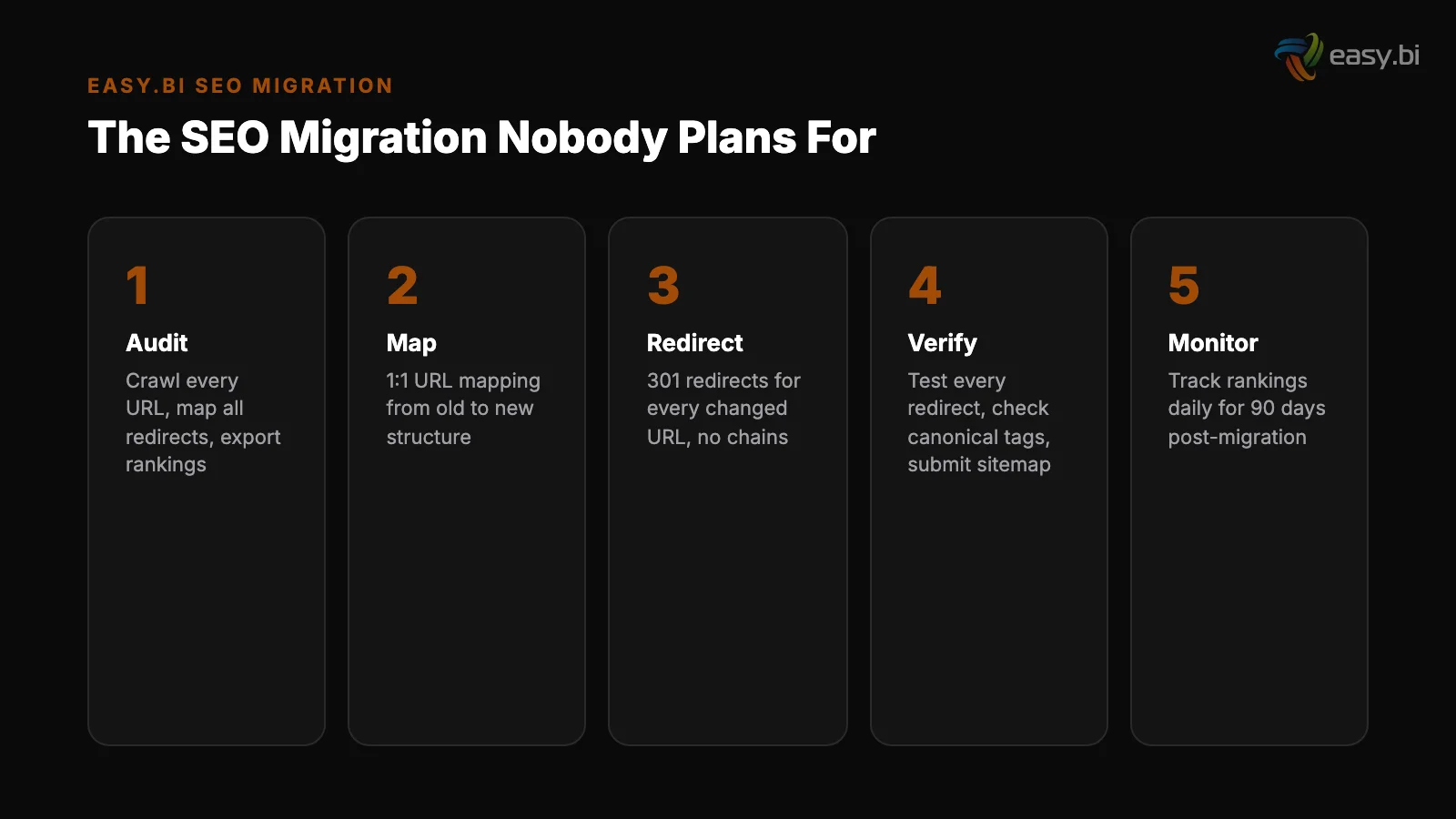
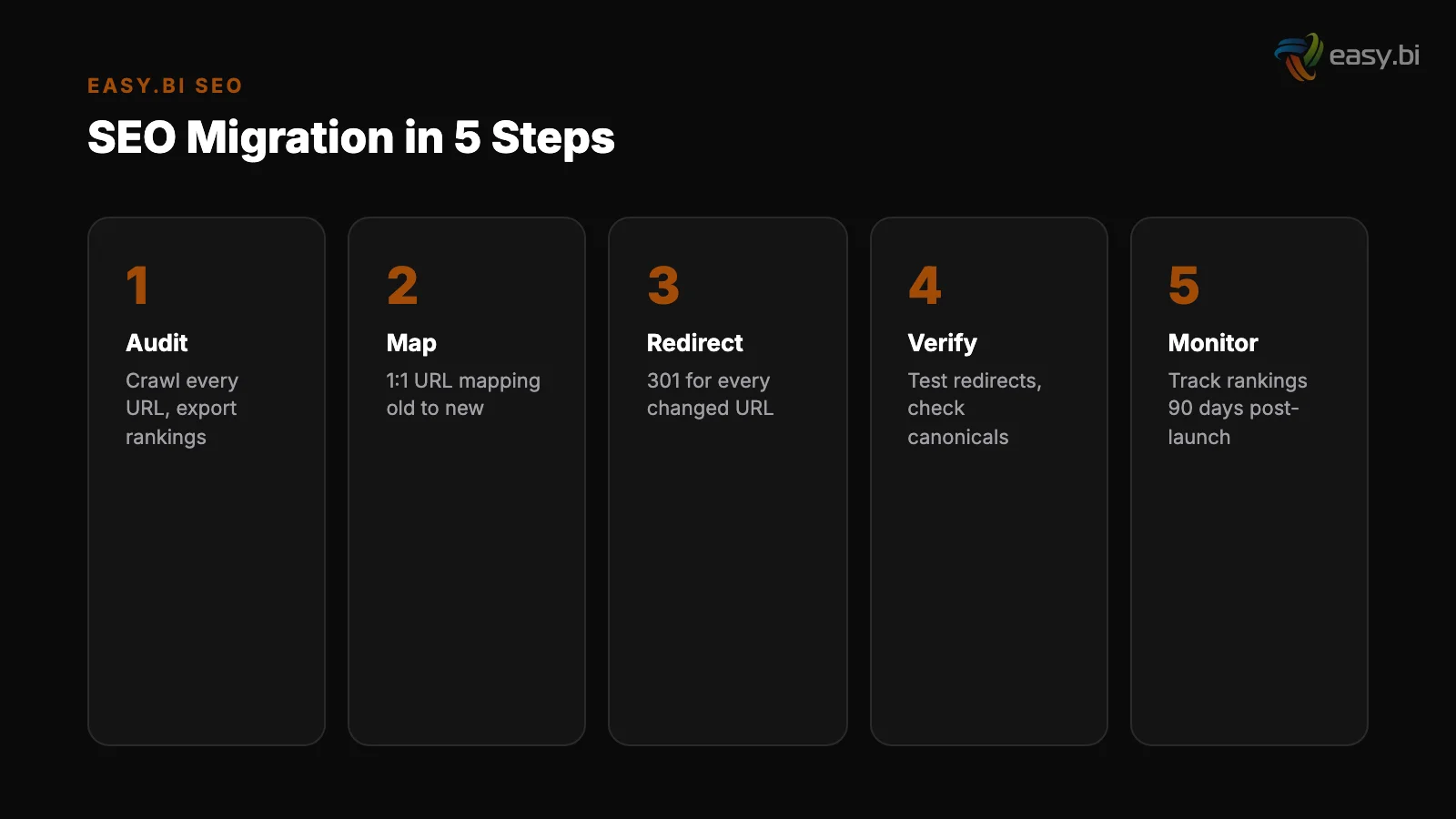
1. Complete URL mapping. Every URL on the old site maps to a URL on the new site. This is a spreadsheet with columns for old URL, new URL, redirect type (301), and priority. Start by crawling the existing site with Screaming Frog or Sitebulb. Export every indexed URL.
Match each one to its new equivalent.
1. Complete URL mapping
2. Flat redirect rules. No redirect chains. If URL A redirects to URL B and URL B redirects to URL C, that is a chain. Each hop loses PageRank and adds latency. Every redirect should be a single hop from old URL to final URL.
When you update redirects from a previous migration, update the original rule - do not stack a new redirect on top.
3. Metadata migration. Product titles, meta descriptions, heading structures, and structured data must transfer to the new platform. This sounds obvious. In practice, teams redesign category pages with new H1 tags, rewrite product descriptions during the migration, and change structured data schemas - all at the same time.
Every change is a ranking signal change. Change one thing at a time so you can isolate the impact.
2. Flat redirect rules
4. Performance budget. Page load time is a ranking factor. A 1-second delay in page load time reduces conversions by 7% and increases bounce rate by 11%.[2] Define a performance budget (e.g., Largest Contentful Paint under 2.5 seconds) and enforce it in your CI/CD pipeline.
Every build that exceeds the budget fails automatically.
5. Canonical tag strategy. E-commerce sites generate duplicate content through filtered views, paginated categories, and sorting options. Define canonical rules before development. Every filterable URL should point to a canonical version. Every paginated page should reference the main category page or use rel=prev/next correctly.
How Do You Structure the Migration Timeline?
SEO migration is not a phase. It runs in parallel with development from day 1.
| Week | SEO Workstream | Development Workstream |
|---|---|---|
| 1-2 | Crawl existing site, export all indexed URLs, identify top-performing pages by traffic and revenue | Architecture decisions, platform setup |
| 3-4 | Create complete URL mapping spreadsheet, define redirect rules, document canonical strategy | Core commerce setup, product data migration |
| 5-8 | Implement redirects on staging, validate with crawl tool, test structured data with Schema Validator | Frontend build, integration development |
| 9-10 | Performance testing against budget, load test with real product data and real images | QA, user acceptance testing |
| 11-12 | Pre-launch crawl comparison (old vs. new), verify all top-100 pages redirect correctly | Final fixes, parallel running |
| 13+ | Daily ranking monitoring, fix any missed redirects within hours, track index coverage in Search Console | Post-launch optimization |
The critical insight: SEO work starts in week 1 and continues past launch. Most teams compress it into weeks 11-12. That compression is why migrations fail.
Which Pages Should You Protect First?
Not all pages are equal. A mid-market retailer with 50,000 indexed URLs cannot manually verify every redirect. Prioritize by business impact.
Tier 1: Revenue pages (top 100 by organic revenue). These are your category pages and product pages that generate the most organic sales. Verify each redirect manually. Test on staging. Confirm structured data, canonical tags, and metadata are correct on the new URL.
Tier 2: Traffic pages (top 500 by organic sessions). Blog posts, guide pages, and category pages that drive significant traffic but may not directly convert. Verify redirects via automated crawl comparison. Spot-check metadata.
Tier 3: Long-tail pages (remaining indexed URLs). Handle with pattern-based redirect rules. If the old site used /products/[slug] and the new site uses /shop/[slug], a single regex redirect rule covers thousands of pages.
Tier 4: Pages to intentionally remove. Some indexed pages should not exist on the new site - thin content, duplicate pages, outdated products. Return 410 (Gone) for these, not 404. A 410 tells Google the removal is intentional. A 404 looks like an accident.
+35% conversion. +22% AOV. EUR 50M+ GMV processed.
Our Shopware-certified team delivers e-commerce at scale with 14-day sprint cycles. 80% less manual work through system integrations.
Start with a Strategy CallWhat Are the Most Common SEO Migration Mistakes?
We see the same failures across projects regardless of platform or team size:
Changing URLs and content simultaneously. If you change the URL structure, redirect correctly, but also rewrite all product descriptions and H1 tags in the same launch, you cannot tell whether traffic changes are caused by the migration or the content changes. Change URLs first. Stabilize rankings. Then iterate on content.
Changing URLs and content simultaneously
Ignoring internal links. Redirects handle external links pointing to your old URLs. But internal links matter too. If your new site has 5,000 internal links pointing to old URLs that redirect, every page load includes unnecessary redirect hops. Update all internal links to point to the new URLs directly.
Forgetting image URLs. Google Image Search drives 10-15% of e-commerce traffic for visual products (fashion, furniture, home decor). If your image URLs change without redirects, you lose that traffic. Include image URL redirects in your migration plan.
Ignoring internal links
Skipping the staging crawl. Teams implement redirects but never test them at scale. Run a full crawl of the staging environment with Screaming Frog at least 4 weeks before launch. Compare the crawl against your URL mapping spreadsheet. Every mismatch is a potential traffic loss.
No post-launch monitoring plan. The first 48 hours after launch are critical. Set up real-time alerts in Google Search Console for coverage drops. Monitor your top 100 keywords daily for 30 days. Fix missed redirects within hours, not days.
Every day a broken redirect persists costs you ranking authority that takes weeks to recover.
How Does This Connect to Your Replatforming Strategy?
SEO migration is one piece of a larger replatforming puzzle. The Enterprise E-Commerce Playbook covers the full framework - from platform selection through post-launch optimization.
For the data on why replatforming projects fail, read Why 70% of E-Commerce Relaunches Fail. For a case study of how enterprise-scale e-commerce handles continuous delivery without migration risk, see E-Commerce at Scale: Lessons from REWE.
If you are planning a migration and your SEO plan is not written yet, that is the first conversation to have. At easy.bi, SEO migration planning starts in sprint 0 for every e-commerce project - before a single line of frontend code is written.
The earlier you start, the less organic revenue you lose.
References
Explore Other Topics
Ready to scale your e-commerce?
30-minute call with an engineering lead. No sales pitch - just honest answers about your project.
98% engineer retention · 14-day delivery sprints · No lock-in contracts
Related Reading

How to Migrate From Magento to Shopware Without Losing SEO Rankings
Step-by-step Magento to Shopware migration framework that preserves SEO rankings. URL mapping, redirect strategy, data migration, and 90-day monitoring plan.
Filip Kralj
5 E-Commerce Replatforming Mistakes That Cost More Than the Migration
5 replatforming mistakes that cost DACH retailers EUR 500K+. Data migration traps, SEO traffic loss, big-bang cutovers, and how to prevent each one.
Enno Bassen
PIM Integration: The Bottleneck Nobody Talks About
PIM integration is the hidden bottleneck in 67% of enterprise e-commerce projects. Learn why Pimcore and Akeneo integrations fail, how to fix product data quality, and which sync patterns actually work.
Enno Bassen